
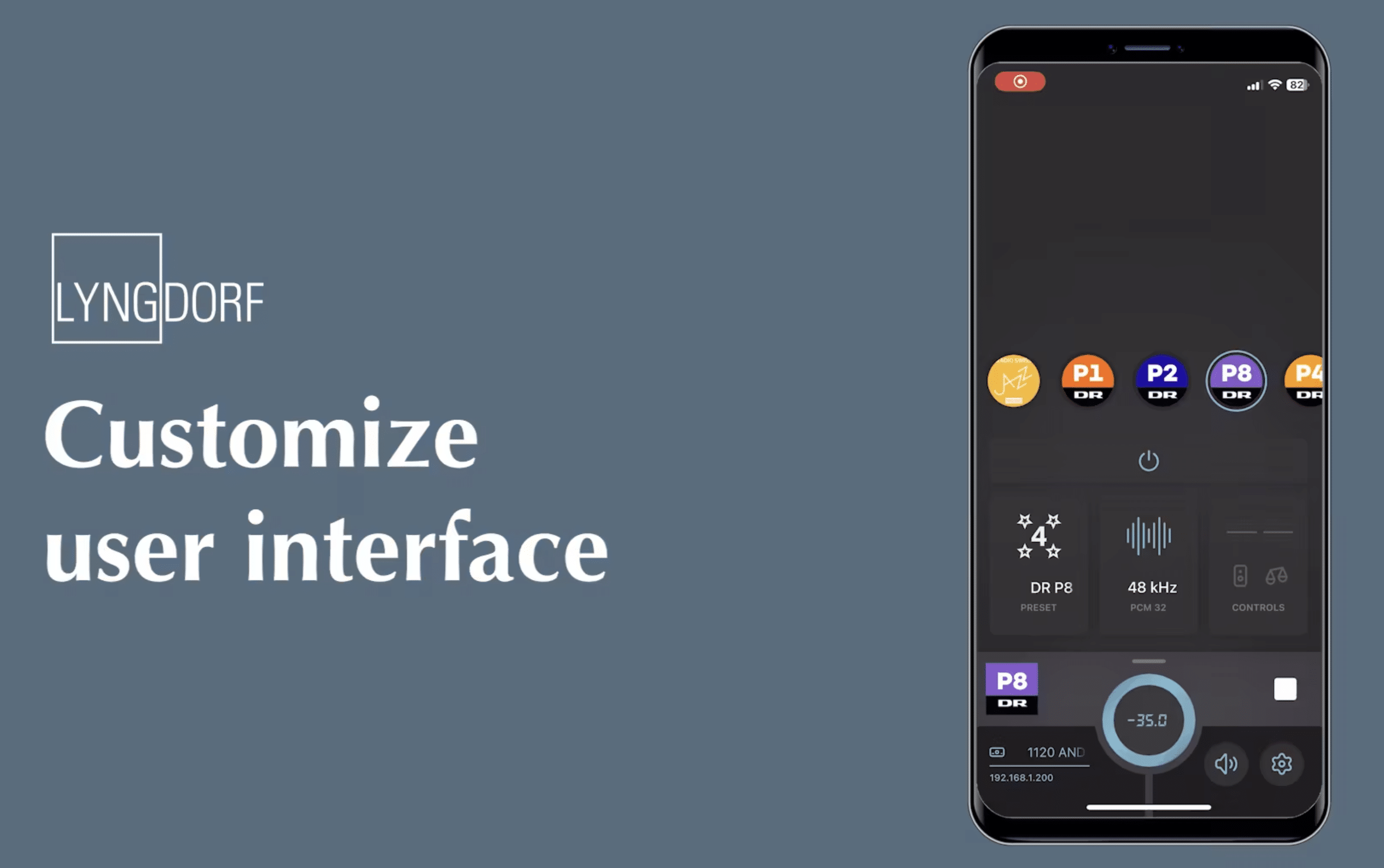
Lyngdorf Audio is making system control much more personal. In the latest app update, the home screen can now be fully customized to your liking. No more fixed menu structure to scroll through, but a layout you decide yourself. A short video of under a minute shows just how simple the process is.
The idea behind it is clear: the user is central. Whether you often switch inputs, frequently use RoomPerfect, or just need volume control, the interface now adapts to your habits.
Here’s How It Works in Practice
The steps are simple and straightforward. From the main screen, tap the settings icon in the bottom right. In this menu, choose Customize. This opens the editing mode, where a grid appears with available widgets. All you need to do is add the desired functions and confirm. Then you exit the settings, and your personalized home screen appears instantly.
Within 30 seconds, your interface is adjusted—no complex settings or long menus required.
Widgets Are the Core
The app works with small building blocks called widgets. These give you direct access to the functions you use most. Some examples:
- Preset listening modes like Jazz, Neutral, or Bypass
- RoomPerfect options like Focus or Global
- Inputs, both digital and analog
- Active controls, such as volume or source selection
By selecting and arranging widgets yourself, you create a clear dashboard that matches your listening behavior.
More Control Over RoomPerfect
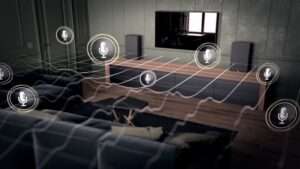
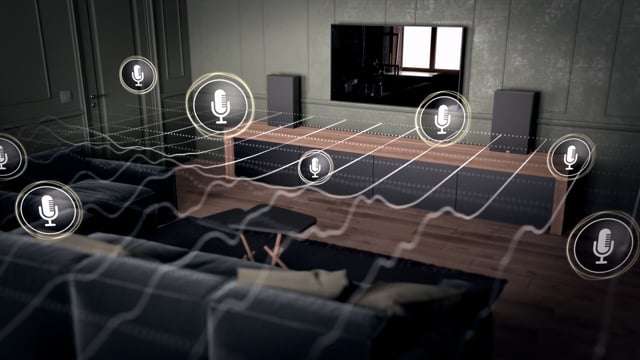
A key addition is the integration of RoomPerfect into the widget system. This technology, which allows Lyngdorf to correct room acoustics, was already one of the brand’s strong points. With the new app, you can now place RoomPerfect functions directly on your home screen. Switching between Focus mode (targeted at the listening position) and Global mode (for the whole room) now takes literally one tap.
RoomPerfect is no longer just something used during setup—it becomes a tool you use every day.
Ease of Use for Every Type of Listener
The strength of the update lies in its flexibility. Those who only need basic functions can keep the screen minimal with volume, power, and a few inputs. Those who like to experiment with settings can add more widgets for advanced control. It’s also convenient for families: each member can set up the home screen to their own preferences.
Short Tutorials for Support
Lyngdorf supports these new features with short video tutorials. Instead of thick manuals, they show exactly how it works in just 40 seconds. This underscores the approach: updates shouldn’t just be technically impressive, but easy to use above all.
A Logical Step Forward
Personalized interfaces are becoming more common in consumer tech—from smartphones to smart home apps. It’s only logical that hi-fi brands follow suit. At Lyngdorf, it’s not just about sound quality, but also about how you interact with it.
By making control flexible, the user takes charge. That makes the system more accessible and practical for everyday use.
Looking to the Future
This update seems just the beginning. It’s likely that Lyngdorf will continue adding more widgets and options, and possibly integrate with broader smart home platforms. For now, the revamped app already brings a noticeable improvement in usability and overall experience.